


MCW Casino Login India: How to Access Your Account
Welcome back to MCW Casino. Our mcw login guide helps you access your account, manage your login details and resolve common sign-in problems. Follow our mcw casino login instructions to sign in from your computer or smartphone, recover a forgotten password and protect your account. Keep your login credentials private and use your existing account whenever you return.
How to Login to MCW Casino
You need the login credentials associated with your registered account to complete the mcw account login process. Follow these steps to sign in:
Step 1
Open the MCW website you use to access your account.
Step 2
Select Login to open the sign-in form.
Step 3
Enter your registered username or the login identifier requested on the page.
Step 4
Enter your password carefully.
Step 5
Check both fields for typing errors.
Step 6
Select Login or the displayed confirmation button to submit your details.
Step 7
Complete any additional security check shown on the screen.
Once your credentials are accepted, you can access your account and its available features. Keep your username and password secure, and never share your login details or security codes with anyone.
If you cannot remember your password, use the password-recovery option rather than repeatedly trying different combinations. If you already have an account, you do not need to register again simply because you cannot sign in.
MCW Login on Mobile
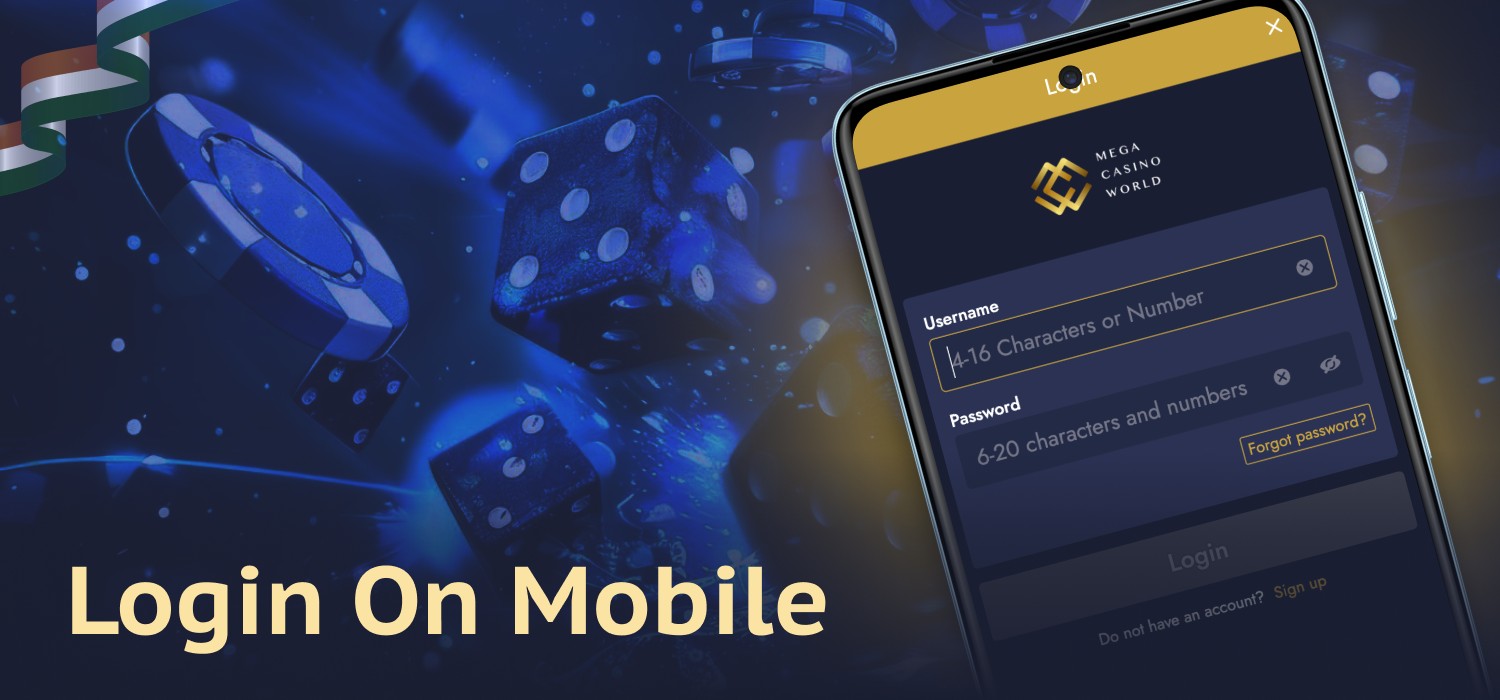
Our mobile login instructions let you access MCW through a smartphone or tablet. You can use a compatible mobile browser to open the website, enter your credentials and complete the sign-in process.
Open the MCW website in your browser and tap Login. Enter your registered details, submit the form and follow any security instructions displayed. Keep your browser updated and use a secure internet connection when accessing your account.
Login on Android
To complete your mcw sign in on an Android phone:
- Open your preferred mobile browser.
- Visit the MCW website.
- Tap Login and enter your username and password.
- Submit your details and complete any additional security check.
Avoid saving your password when using a shared phone. Sign out after your session and keep your device protected with a screen lock.
Login on iPhone
You can access your account on an iPhone through Safari or another compatible browser.
- Open your browser and visit the MCW website.
- Tap Login to open the sign-in form.
- Enter your registered username and password.
- Submit your details and complete any requested security check.
Keep your iPhone updated, protect access to your device and avoid signing in through links from unknown sources. Always check the website address before entering your personal information.
How to Recover Your MCW Password
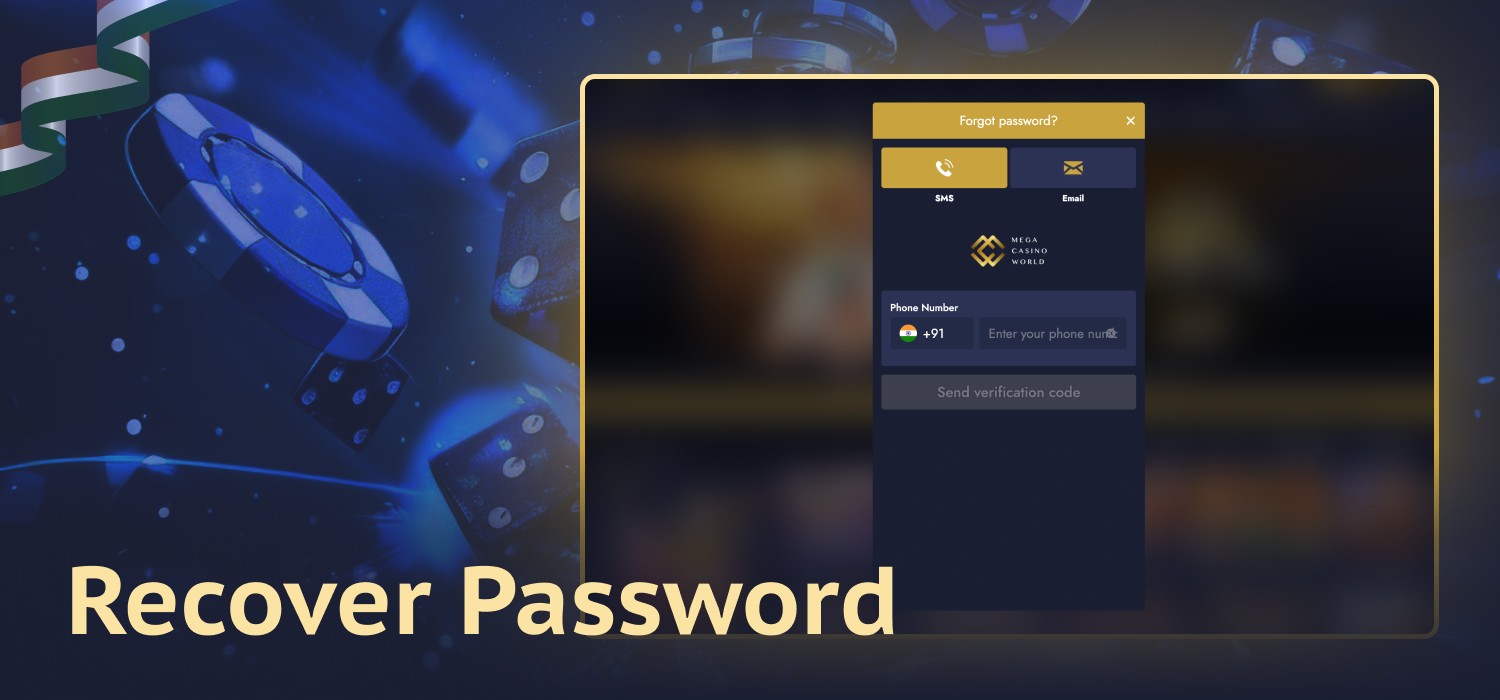
If you forget your password, use the recovery process to regain access to your existing account. Follow these steps:
- Open the MCW login page.
- Select Forgot Password.
- Enter the account information requested by the recovery form.
- Submit your recovery request.
- Follow the instructions provided to verify your account and reset your password.
- Create a strong replacement password.
- Return to the login page and sign in with your updated credentials.
Use the contact details associated with your account when completing recovery. Choose a password that you do not use for other websites, and avoid easily guessed information such as your name or date of birth.
If you cannot complete recovery because your registered contact details are no longer accessible, contact MCW support for assistance. Do not create another account to replace the one you cannot access.
Common MCW Login Problems
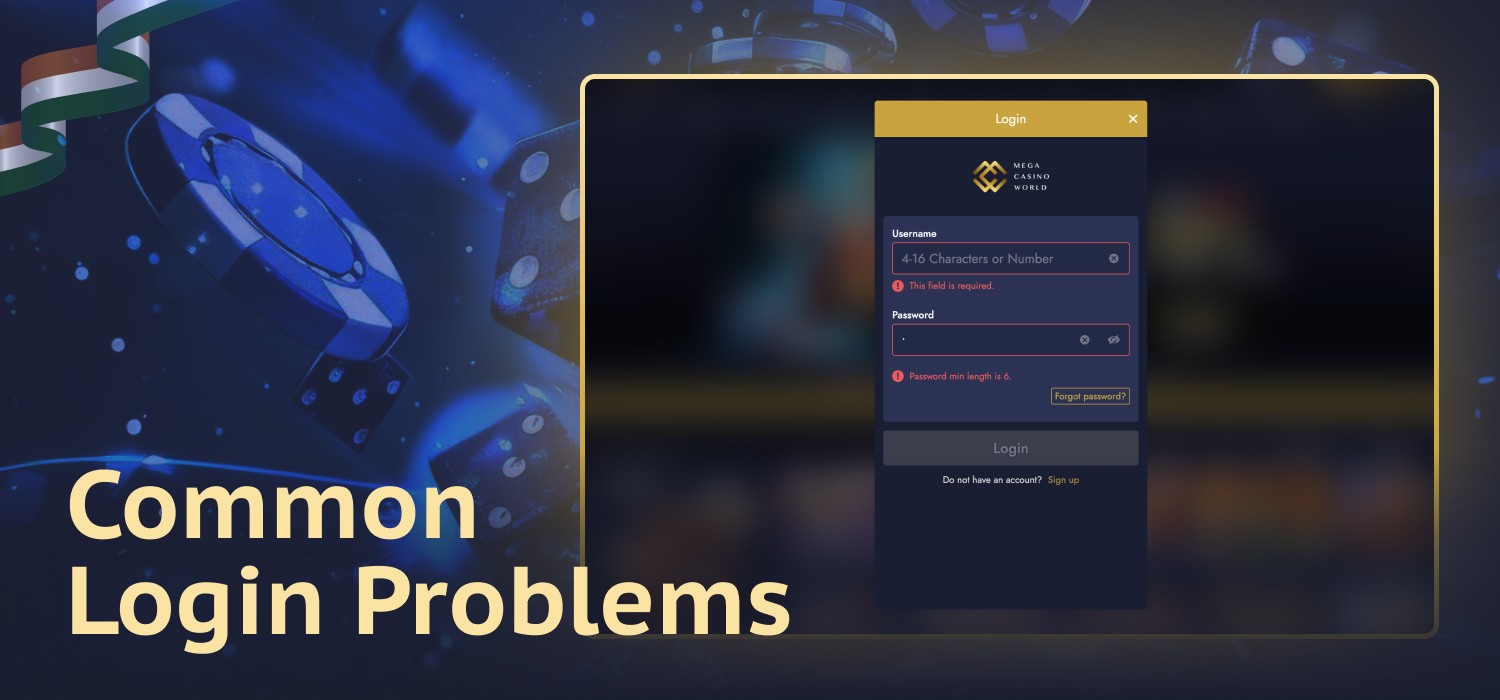
If your casino MCW login fails, check the possible causes and solutions in the table below.
| Login problem | What to do |
|---|---|
| Incorrect username or password | Check your entries and correct any typing errors |
| Forgotten password | Select Forgot Password and follow the recovery steps |
| Verification issue | Complete the requested identity or security checks |
| Account suspended | Contact MCW support for information about your account status |
| Verification code missing | Check your contact details and message folders |
| Poor internet connection | Reconnect to a stable network and try again |
| Website not loading | Check your connection and try another compatible browser |
| Browser problem | Update the browser or clear its cache and retry |
Incorrect Username or Password
Check that you entered the correct username and password. Look for typing errors, extra spaces and an accidentally activated Caps Lock key.
If your password is incorrect or you cannot remember it, use Forgot Password to recover access. Avoid repeatedly guessing your credentials, and never share your password with another person.
Verification or Account Access Issues
MCW may require additional verification to confirm account details or address security concerns. Follow the instructions provided for your account and submit the requested information accurately.
If your account is suspended or closed, contact MCW support to understand the next steps. Do not attempt to bypass a restriction by opening another account. Each player is permitted one personal account under the applicable account rules.
MCW Account and Login Security
Protecting your account starts with keeping your login credentials private. We recommend using a unique password, securing your email account and never sharing verification codes or account access with another person.
Always check the website address before signing in. Avoid unfamiliar login links, especially those received through unsolicited messages. Use a secure connection and sign out whenever you access your account on a shared device.
Keep your registration details accurate and respond to legitimate verification requests. If you suspect that someone else has accessed your account, change your password if possible and contact MCW support for assistance. Never create a duplicate account to work around a login problem or account restriction.
Frequently Asked Questions
-
How do I login to MCW Casino?
Open the MCW website, select Login, enter your registered username and password, and submit the form. Complete any additional security check displayed to access your account.
-
Can I login from my mobile phone?
Yes. Open the MCW website in a compatible browser on your Android phone or iPhone. Enter your existing login credentials and follow the on-screen instructions.
-
What should I do if I forget my password?
Select Forgot Password on the login page and follow the recovery instructions. Use the account information requested by the form to verify your details and reset your password.
-
Why can’t I access my MCW account?
Check your login details, internet connection and browser first. If the problem involves verification, suspension or account recovery, contact MCW support for assistance.