


MCW Deposit and Withdrawal Methods India
At MCW, we aim to make deposits and withdrawals as convenient as possible for players from India. That is why our platform supports popular local payment methods, including UPI, PayTM, PhonePe, Rupee-O, GPay and bank transfers, as well as several widely used cryptocurrencies.
In this guide, we take a detailed look at the available MCW payment methods, explain how to make a deposit and withdrawal, what limits apply to different methods and what to do if a transaction is delayed.
MCW Payment Methods for Indian Players

For players from India, we support traditional banking methods as well as mobile payment services and cryptocurrencies. Here is the full list of available methods for deposits and withdrawals in INR:
| Payment Method | Type | Deposit | Withdrawal |
|---|---|---|---|
| UPI | Instant payment | Available | Not Available |
| PayTM | Mobile wallet | Available | Not Available |
| PhonePe | Mobile payment | Available | Not Available |
| GPay | Mobile payment | Available | Not Available |
| Local Bank Transfer | Bank Transfer | Available | Available |
| Rupee-O | Local payment option | Available | Not Available |
| USDT TRC20 | Cryptocurrency | Available | Not Available |
| USDT ERC20 | Cryptocurrency | Available | Not Available |
| Bitcoin | Cryptocurrency | Available | Not Available |
| Ethereum | Cryptocurrency | Available | Not Available |
| USDC | Cryptocurrency | Available | Not Available |
| BNB | Cryptocurrency | Available | Not Available |
Please note: withdrawals are available only via Local Bank Transfer. All other methods are used exclusively to fund your gaming account.
How to Deposit Money at MCW
You can top up your balance directly from your personal account on the MCW website. The process varies slightly depending on the payment method you choose, but the overall procedure remains simple. Below, we explain how to deposit on MCW:
Step 1
Log in to your MCW account using your username and password.
Step 2
In your personal account, open the Deposit section and choose a suitable payment method.
Step 3
Enter the amount you want to deposit in INR within the applicable limit.
Step 4
Enter the required payment details.
Step 5
Check the information you have entered and click Submit.S
How to Deposit with UPI
MCW UPI is one of the most popular deposit methods among Indian users. To use it, you must have a UPI-enabled app installed on your phone. The deposit process is as follows:
- Log in to your MCW account through your browser and open the Deposit section.
- In the Payment Method list, select UPI and enter the amount you want to deposit.
- Enter your UPI ID and click Next. Save the QR code that appears.
- Scroll down the page and select the UPI app you want to use. Once redirected to the app, select Scan Any QR.
- Tap Scan from Gallery and select the QR code you saved earlier.
- Check the amount and confirm the payment.
- Find the UTR number once the transaction is complete and copy it. Return to your MCW browser page, paste the UTR into the relevant field and continue.
Once confirmed, the funds will be credited to your balance. Always keep the UTR until the money has been credited. Customer Support may ask for it if the transaction does not appear in your balance automatically.
How to Withdraw Money from MCW
MCW withdrawal is available exclusively via Local Bank Transfer. This is the most reliable and secure way to receive your winnings in a bank account registered in your name. The step-by-step guide below explains how to withdraw from MCW:
Log in to your MCW account, go to the Deposit page and click the Withdrawal button.
Select Local Bank Transfer and enter all the required bank details, including the account holder’s name, bank account number, bank IFSC code and bank name.
Enter the amount you want to withdraw within your available balance and the applicable limits.
Click Submit to send your request.
Track the status of your request in your personal account.
Your request will be processed within a few hours and no later than 2 working days. Before making your first withdrawal, you will need to verify your account. Without identity verification, MCW withdrawal India is not available.
Deposit and Withdrawal Limits
Deposit limits depend on the payment method you choose. All current limits are displayed automatically on the Deposit page after you log in to your account. Withdrawal limits via Local Bank Transfer range from INR 500 to INR 20,000.
| Payment Method | Min. – Max. Deposit, INR | Min. – Max. Withdrawal, INR |
|---|---|---|
| UPI | 500 – 20,000 | – |
| PayTM | 500 – 10,000 | – |
| PhonePe | 500 – 5,000 | – |
| GPay | 500 – 10,000 | – |
| Local Bank Transfer | 500 – 20,000 | 500 – 20,000 |
| Rupee-O | 500 – 10,000 | – |
| USDT TRC20 | 20.93 – 20,922.69 USDT | – |
| USDT ERC20 | 20.93 – 20,922.69 USDT | – |
| Bitcoin | 0.0003 – 0.2438 BTC | – |
| Ethereum | 0.0077 – 7.6131 ETH | – |
| USDC | 20.92 – 20,916.12 USDC | – |
| BNB | 0.02649125 – 26.49124517 BNB | – |
Processing Times and Transaction Fees

The processing speed of MCW payments depends on the method you choose. UPI, PayTM, PhonePe, Rupee-O, and GPay are designed for fast local payments, and the actual crediting time is usually a few minutes after the payment has been confirmed. Cryptocurrency transactions take from a few seconds to 1 hour, depending on blockchain network congestion. A deposit via Local Bank Transfer takes from a few minutes to a few hours, depending on the bank. Withdrawals are usually processed within 3 hours after the request is submitted, but may take up to 2 working days.
We do not charge any fees for deposits or withdrawals on our side. However, your bank, payment system or cryptocurrency network may apply its own fees. We recommend checking this with your payment provider before making a transaction.
Verification Before an MCW Withdrawal
Before you submit your first withdrawal request, we will ask you to complete the verification process. This is a standard procedure that protects your account from fraud and ensures that funds are withdrawn to an account that belongs to you.
For verification, you will need to provide the following documents:
- A copy of an identity document (passport, Aadhaar Card, driving licence or any government-issued ID).
- A utility bill to confirm your address.
- A bank statement no older than 3 months to confirm the payment method being used.
- A selfie holding your document (if requested by the security team).
To complete verification successfully, go to the Verification tab in your profile menu. Upload the requested documents and wait for confirmation. The review process usually takes from a few hours to 1 working day. Once verification is complete, you will be able to withdraw funds without delays.
Common Payment Problems
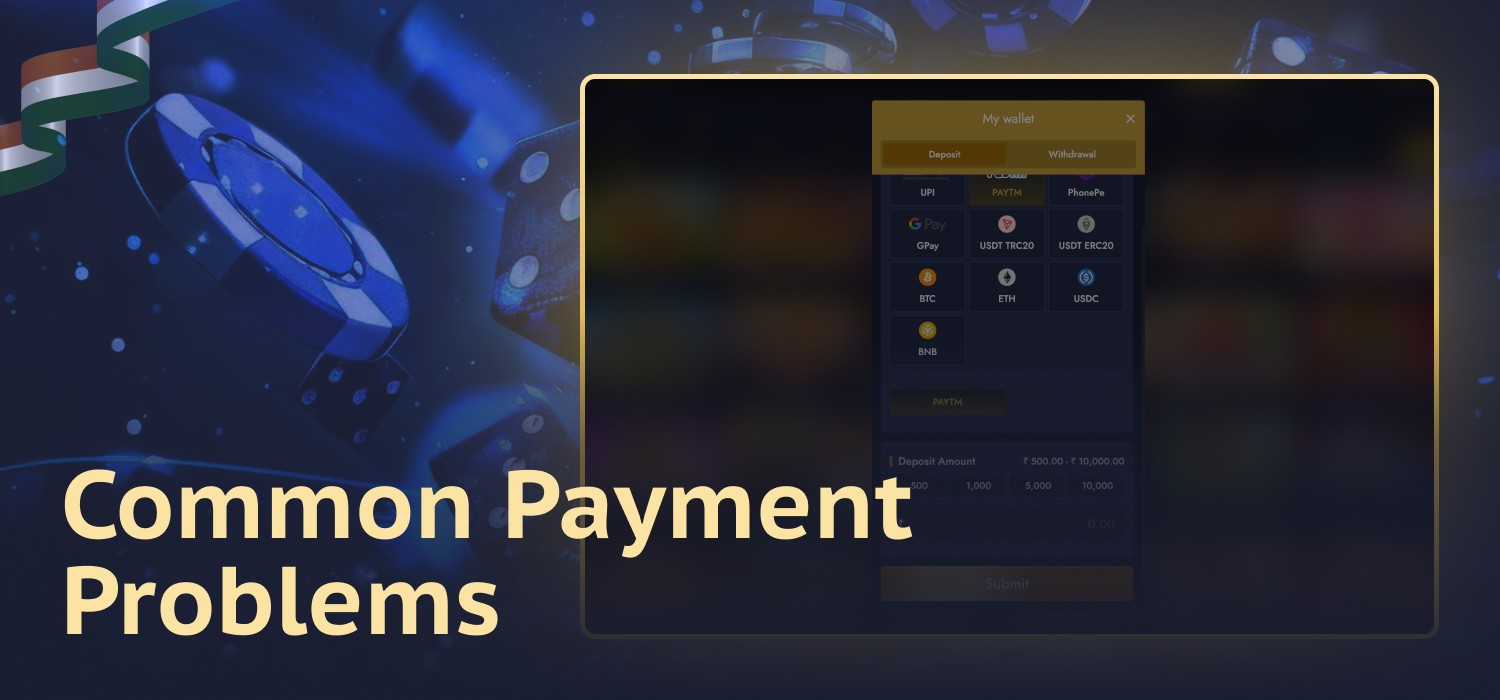
Most problems with an MCW deposit or withdrawal are related to payment processing, incorrect details, limits or temporary technical issues. Below are the most common situations and simple ways to resolve them.
| Problem | Possible Reason | Solution |
|---|---|---|
| Deposit has not been credited | UTR was not entered or was entered incorrectly;Funds have not reached the payment system;The deposit is being held up by the bank. | Check that the UTR was entered correctly and review the transaction status in your banking app. If the payment is confirmed but the funds have not arrived, contact our support team and provide a screenshot of the transaction. |
| Deposit has been processing for a long time | Delay on the bank’s side;High load on the payment system;Technical maintenance at the provider. | Wait 15-30 minutes and refresh the page. If the status does not change, contact our support team and provide the payment method and transaction time. |
| Deposit was declined | Insufficient funds in the account;Daily limit exceeded;Incorrect payment details. | Check your account balance and online payment limits in your bank settings. Make sure the UPI ID or payment details were entered correctly. Try another payment method. |
| Withdrawal has been pending for a long time | The account has not been verified;The request is waiting in the processing queue;Bank details require clarification;An additional security review is being carried out. | Make sure verification has been completed. Check that your bank details are correct. If the withdrawal remains pending for more than 48 hours, contact Customer Support and provide the transaction number. |
| Withdrawal was declined | Incorrect bank details;The account holder’s name does not match the name on the MCW account;Bonus wagering requirements have not been completed. | Double-check all bank details before submitting the request again. Make sure the name on the bank account matches the name on your MCW account. Check whether the bonus wagering requirements have been completed. |
| Cryptocurrency deposit has not arrived | Low blockchain network fee;High network congestion;Incorrect wallet address;The transaction has not yet been confirmed. | Check the transaction status. Funds usually arrive within 10-60 minutes. If the transaction has been confirmed but the funds have not been credited, contact Support. |
| Transaction was declined by the payment provider | The bank or payment system blocked the transaction;Limits were exceeded;The bank flagged the transaction as potentially suspicious. | Contact your bank or payment provider to find out why the payment was declined. Try another payment method. |
Frequently Asked Questions
-
What is the minimum MCW deposit?
The minimum deposit amount depends on the payment method you choose. For UPI, PayTM, PhonePe, Rupee-O, Local Bank Transfer and GPay, the minimum deposit is INR 500. For cryptocurrencies, minimum amounts are stated in the relevant digital currency.
-
Does MCW support UPI?
Yes, we support MCW UPI for deposits in INR. Withdrawals through this payment service are not available.
-
How long does an MCW withdrawal take?
MCW withdrawal is available only via Local Bank Transfer. The transaction is processed within a few hours and no later than 2 working days after the request has been submitted.
-
Why is my MCW withdrawal pending?
The delay may be caused by a standard review, bank processing, the need to clarify account details or incomplete bonus requirements. Check your bank details and account status. If the request remains in processing for too long, contact our MCW Casino support team.