


MCW Casino Registration India: How to Create an Account
Welcome to MCW Casino. Our registration process helps new players create an account, enter their personal details and set up secure login credentials. This guide walks you through mcw registration, explains mcw casino registration step by step and covers MCW account verification. Follow the instructions below to prepare your information, complete sign-up and resolve common registration problems.
Before you begin, make sure you meet the applicable minimum age requirement and that online gambling is permitted where you live. You must provide accurate personal information and register your own account.
What You Need to Register at MCW

Prepare your details before starting your mega casino world registration. Entering accurate information helps keep your account details consistent and makes identity checks easier to complete.
| Requirement | What to prepare |
|---|---|
| Full name | Your real first and last name |
| Date of birth | Your correct date of birth |
| Address and nationality | Your current residential details and nationality |
| Email address | An active email account |
| Mobile number | Your personal, active phone number |
| Username | A unique username for your account |
| Password | A strong password that you do not share |
| Country and currency | Select the applicable options available in the registration form |
| Verification documents | Identification or supporting documents requested by MCW |
| Age confirmation | Confirmation that you meet the applicable minimum age |
Keep your contact details accessible throughout registration. Use your own information, and review every field before submitting the form. Do not use another person’s identity or contact details to open an account.
How to Register at MCW Casino
Our mcw register process starts on the MCW website. Follow these steps to complete your account registration.
Open the MCW website.
Visit the website you intend to use and select Sign Up or Register.
Enter your login details.
Choose a username and create a strong password.
Provide your personal information.
Enter your full name, date of birth and other details requested in the form.
Add your contact details.
Enter your email address and mobile number.
Select your options.
Choose from the country and currency options displayed in the registration form.
Confirm your eligibility.
Complete the age confirmation and read the applicable terms and conditions before accepting them.
Submit your registration.
Review the information for spelling mistakes and missing fields, then submit the form.
Complete the confirmation step.
Follow the instructions displayed if the form requests an email confirmation, SMS code or another security check.
Secure your login details.
Keep your username and password private and do not share access to your account.
That completes the mcw sign up process. Use the same personal details throughout registration and any later verification. MCW’s account rules permit one personal account per player, so do not register again if you already have an account. Use the account recovery process if you cannot sign in.
How to Verify Your MCW Account

MCW account verification confirms your identity and helps protect account transactions. We may request identification or supporting documents to verify your details, process deposits or withdrawals, and carry out anti-fraud checks.
Complete the following steps when verification is requested:
- Log in using your registered username and password.
- Open the account verification section or follow the verification instructions provided to you.
- Review the document requirements before preparing your files.
- Take clear photographs or scans of the requested documents.
- Submit the documents through the specified account or support channel.
- Check that the name and other details match the information on your account.
- Follow any further instructions from the verification team and provide additional documents if requested.
Documents may include a passport or identity card, proof of address, a bank statement or other evidence required for the check. Submit genuine documents with readable information. Do not alter the contents of an identity document or provide another person’s paperwork.
Complete verification promptly when requested. MCW may restrict account functions or withhold withdrawals until the required documents have been received and the account meets the applicable requirements. Keep your contact details up to date so you can respond to verification requests.
MCW Registration on Android and iPhone
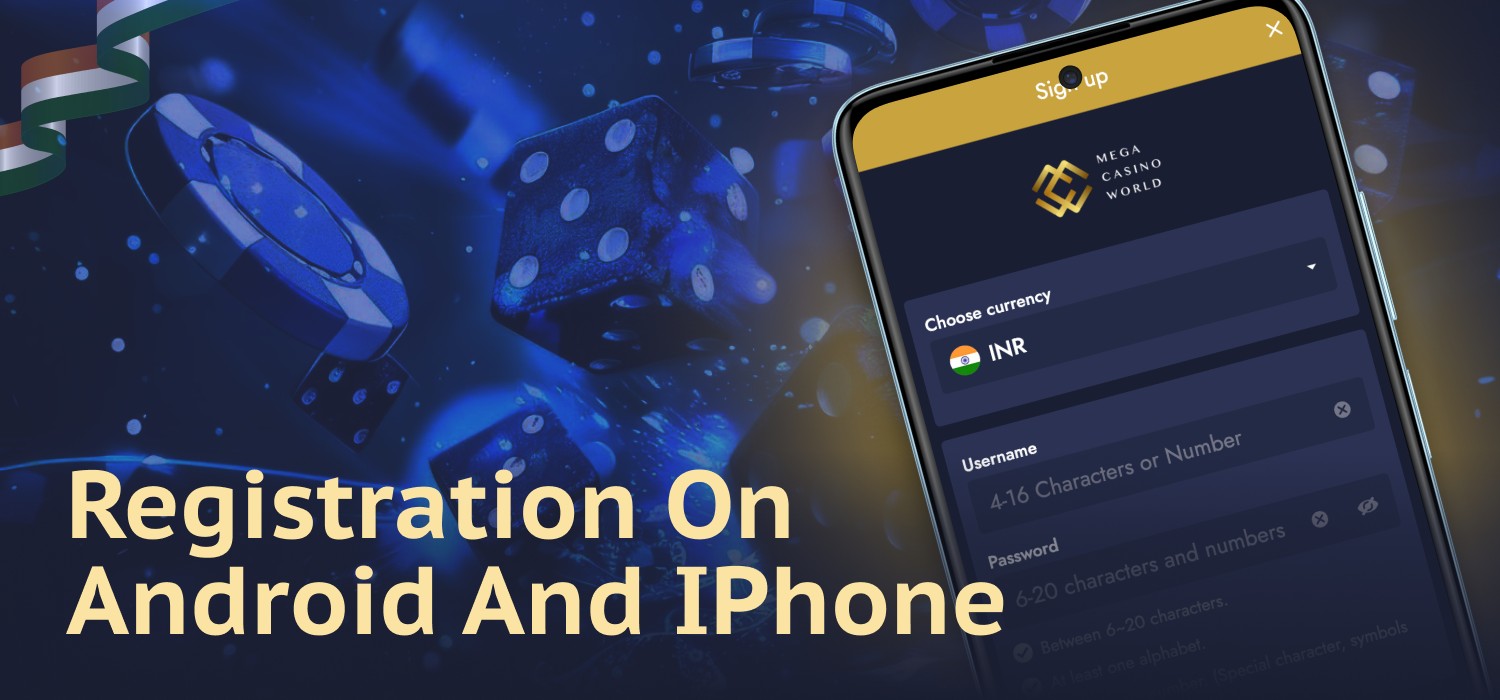
You can register through a mobile browser without using a desktop computer. The same basic steps apply to Android phones and iPhones: open the MCW website, select Sign Up, enter your details and complete the instructions on the screen.
On Android:
- Open your preferred mobile browser.
- Navigate to the MCW website you intend to use.
- Tap Sign Up or Register.
- Complete the form and submit your details.
- Follow any confirmation or verification instructions displayed.
On iPhone:
- Open Safari or another browser.
- Visit the MCW website.
- Select the registration option and enter your personal details.
- Review the form and submit it.
- Complete the requested confirmation steps.
Before entering personal information, check the website address carefully. Use an official download source if you choose to install an application, and never install an app from an unfamiliar link. Keep your password private, especially when using a shared device.
Common MCW Sign-Up Problems

If registration does not work, check the information you entered and follow the relevant solution below.
| Problem | What to do |
|---|---|
| Registration form will not submit | Complete all required fields and correct any errors shown on the screen |
| Verification code does not arrive | Check your phone number or email address and review your messages again |
| Confirmation email is missing | Check your spam or junk folder |
| Mobile number is rejected | Check the number and country selection |
| Personal details do not match | Correct your registration details so they match your identity documents |
| Account already exists | Recover access to your existing account instead of registering again |
| Verification is delayed | Check that your documents are readable and provide any missing information |
| Password is forgotten | Use the password recovery option on the sign-in page |
If the problem continues, follow the help instructions available on the website. Do not create a duplicate account to bypass a registration or verification issue. Keeping one account and accurate personal details helps prevent avoidable account restrictions.
Frequently Asked Questions
-
How do I register at MCW Casino?
Open the MCW website, select Sign Up, enter your personal and login details, accept the applicable terms and submit the form. Complete any confirmation steps displayed to finish registration.
-
Can I register with an Indian mobile number?
Enter your personal Indian mobile number if the registration form accepts it, then complete the requested confirmation. You must also ensure that using MCW is permitted under the laws applicable to your location.
-
Is MCW account verification required?
MCW can request identity and supporting documents to verify your account, conduct security checks and process transactions. You must complete the required verification and provide the requested documents when instructed.
-
Can I create more than one MCW account?
No. Each player may create only one personal account under MCW’s terms. Duplicate accounts can be closed, and payouts may be suspended. If you lose access to your account, use account recovery instead of registering again.